
Master
Your Parts
And Inventory
We help companies streamline inventory and parts management to reduce downtime, improve accuracy, and maintain operational flow. Whether you manage internal stockrooms, handle customer parts, or support field technicians, our cloud-based dynamic management system keeps your inventory organized, traceable, and ready when you need it.
Benefits & Features
Barcodes
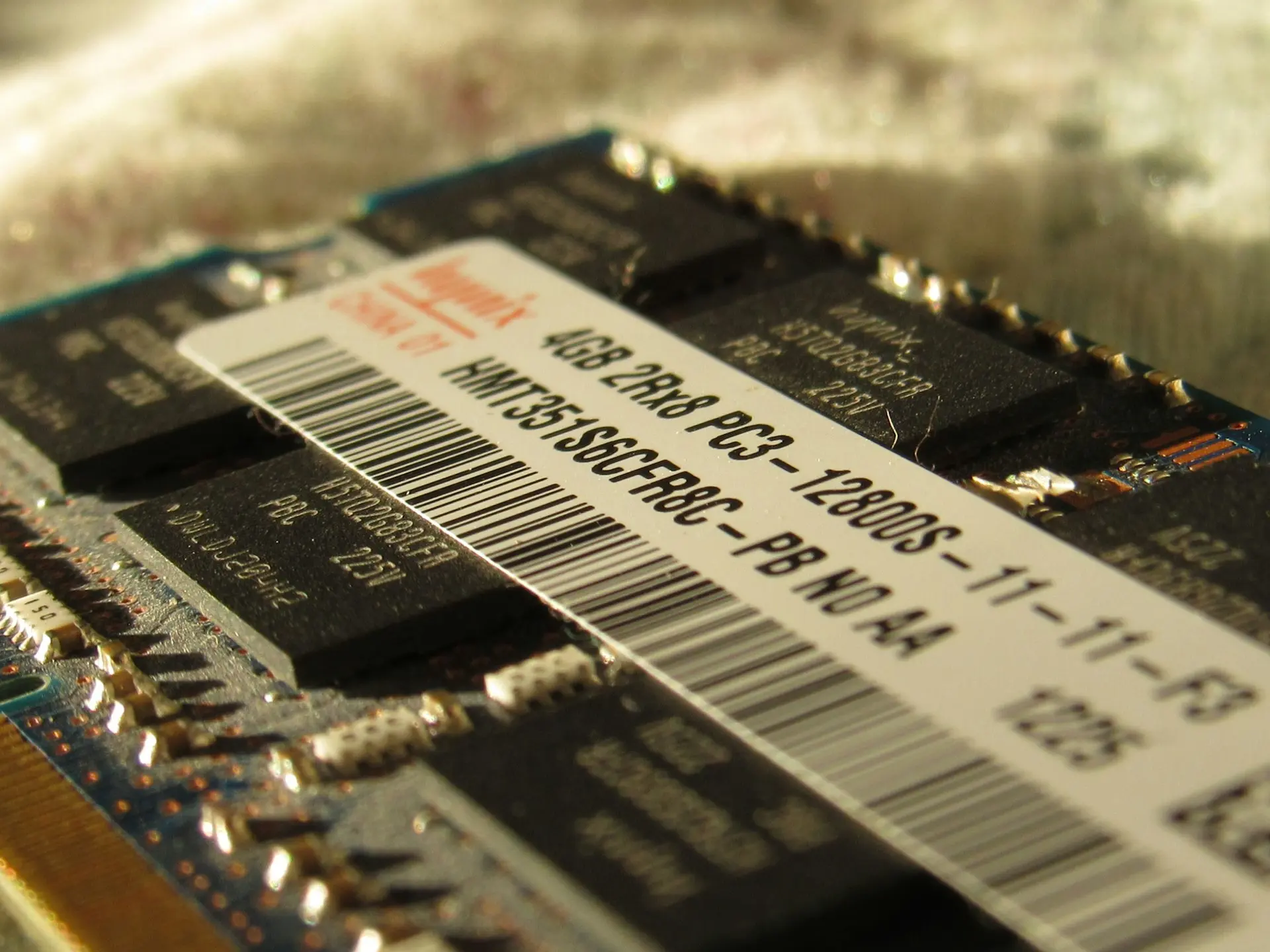
Imagine that every part has a QR code or barcode that can be scanned to add, modify or share information, and to transact it across different inventories.

Inventories
What if your organization could increase operational visibility by filtering, mapping, and searching inventories for efficient decision-making?

Transactions
What would it mean if your employees could draft, validate, and complete transactions with built-in controls, and validate transfer orders with visual workflows.
Parts
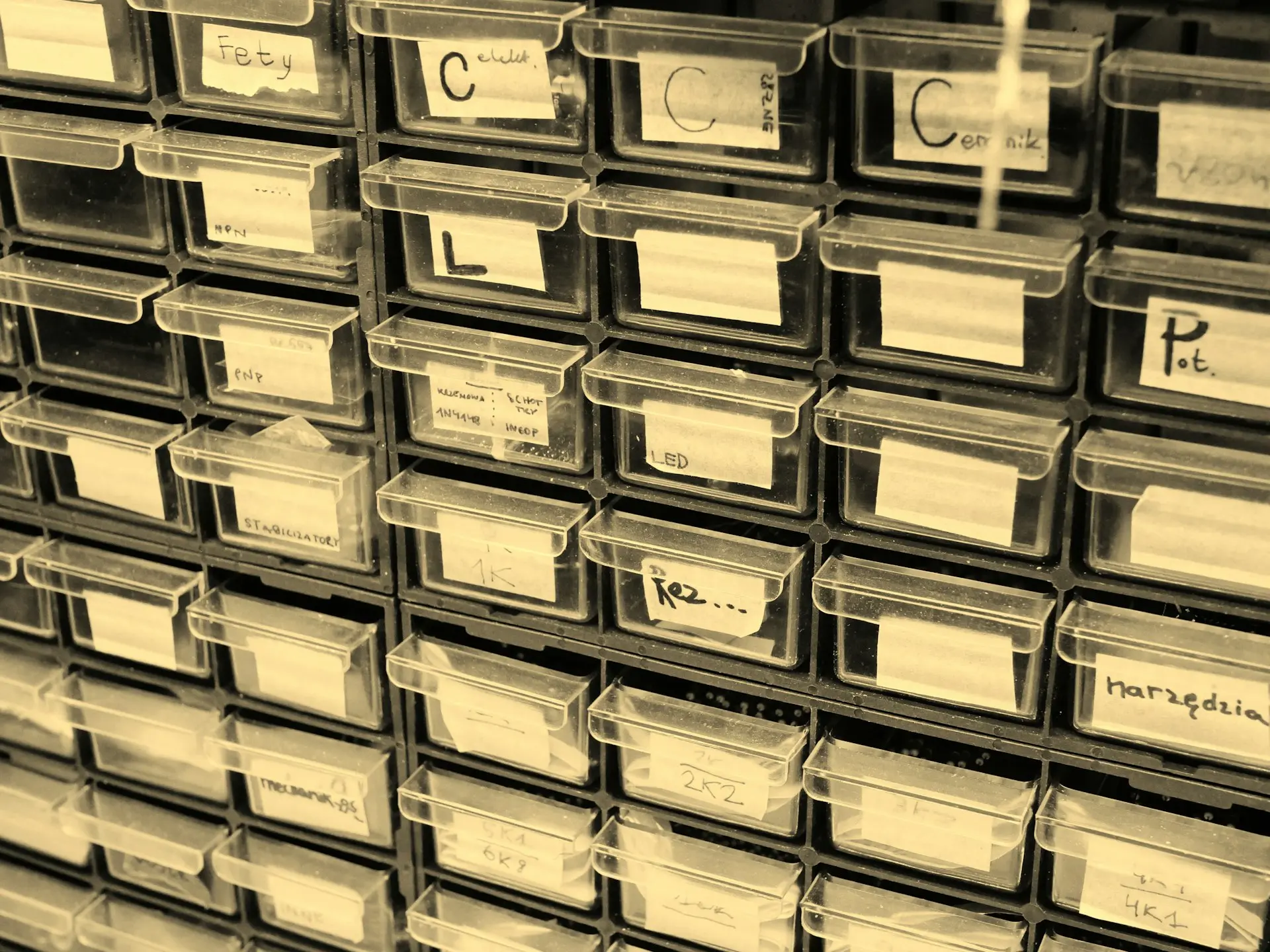
Imagine that your organization tracks every part's location consistently, and that shortages or excess are avoided with limit alerts and forecasted quantities.

Manage Inventory & Parts
Use mini apps to manage Products and Inventories, and keep stock of Parts on your desktop, tablet or mobile device
Get a quick overview of your personal Inventory and your historic Inventory Transactions
Get a quick overview of your Pending Transactions (TXs) and treat them immediately
View Products & Parts
Create a storable or consumable Product, or service and add it to a custom product category
Purchase or recount Products in an Inventory to transform them into Parts, meaning Product quantities tied to a specific Inventory
View, edit or add Product and Part details


Scan Codes for
Supported Formats
Generate a QR code for each Product, Inventory and Part, select one or more Products, Inventories or Parts, and print a QR code sheet on (adhesive) paper labels
Scan multiple codes at once for supported formats, namely QR Code, Aztec, Code-128, Code-39, Code-93, Codabar, Data Matrix, EAN-13, EAN-8, ITF, PDF417, UPC-A and UPC-E
Click on the scanned link to immediately find the Product, Inventory or Part in the application
View all Inventories
At a Glance
Create inventories and give them a name and designation, and choose whether an Inventory is an Asset, e.g. a van, or a Location, e.g. a Building
Optionally, people can be assigned to an Inventory as Assignees or Validation Owners
Validation Owners are responsible for validating incoming and outgoing transactions of the Inventory they are assigned to
View all inventories at a glance on a Map or search an Inventory via filters e.g. Assignee in a Table


Create Transactions
Draft an e.g. Internal Transaction of a Part quantity from a Source Inventory to a Destination Inventory
If the source and destination inventories have Validation Owners, the validation owners can change the Transaction status to pending, declined or completed
Validated, i.e. completed, incoming or outgoing Transactions affect the Inventory's Total (on hand) Part Quantity
Create Transfer Orders
Create an e.g. Internal Transfer Order (ITO) and Request Parts from a team member for a destination inventory, e.g. a Location, Asset, Person or Work Order, before a due date
Track your team's Transfer Orders via Kanban, Table or Calendar
Request part quantities from preferred source inventories and optionally only accept Linked Transactions from these source inventories
Link transactions to the ITO to fulfill the requested parts and complete it


Track Parts with
Total Clarity
Track for each Part the Current total (on hand) quantity, (unvalidated) Incoming and Outgoing quantities from Transactions, and Expected and Reserved quantities from Order Transfers
Prevent predefined limits, i.e. minimums and maximums, from being reached in a timely manner
Stay on top of your parts management via Forecasted quantities
Master
Your Parts
And Inventory
We help companies streamline inventory and parts management to reduce downtime, improve accuracy, and maintain operational flow. Whether you manage internal stockrooms, handle customer parts, or support field technicians, our cloud-based dynamic management system keeps your inventory organized, traceable, and ready when you need it.
Benefits & Features
Barcodes
Imagine that every part has a QR code or barcode that can be scanned to add, modify or share information, and to transact it across different inventories.
Inventories
What if your organization could increase operational visibility by filtering, mapping, and searching inventories for efficient decision-making?
Transactions
What would it mean if your employees could draft, validate, and complete transactions with built-in controls, and validate transfer orders with visual workflows.
Parts
Imagine that your organization tracks every part's location consistently, and that shortages or excess are avoided with limit alerts and forecasted quantities.
Manage Inventory & Parts
Use mini apps to manage Products and Inventories, and keep stock of Parts on your desktop, tablet or mobile device
Get a quick overview of your personal Inventory and your historic Inventory Transactions
Get a quick overview of your Pending Transactions (TXs) and treat them immediately
View Products & Parts
Create a storable or consumable Product, or service and add it to a custom product category
Purchase or recount Products in an Inventory to transform them into Parts, meaning Product quantities tied to a specific Inventory
View, edit or add Product and Part details
Scan Codes for
Supported Formats
Generate a QR code for each Product, Inventory and Part, select one or more Products, Inventories or Parts, and print a QR code sheet on (adhesive) paper labels
Scan multiple codes at once for supported formats, namely QR Code, Aztec, Code-128, Code-39, Code-93, Codabar, Data Matrix, EAN-13, EAN-8, ITF, PDF417, UPC-A and UPC-E
Click on the scanned link to immediately find the Product, Inventory or Part in the application
View all Inventories
At a Glance
Create inventories and give them a name and designation, and choose whether an Inventory is an Asset, e.g. a van, or a Location, e.g. a Building
Optionally, people can be assigned to an Inventory as Assignees or Validation Owners
Validation Owners are responsible for validating incoming and outgoing transactions of the Inventory they are assigned to
View all inventories at a glance on a Map or search an Inventory via filters e.g. Assignee in a Table
Create Transactions
Draft an e.g. Internal Transaction of a Part quantity from a Source Inventory to a Destination Inventory
If the source and destination inventories have Validation Owners, the validation owners can change the Transaction status to pending, declined or completed
Validated, i.e. completed, incoming or outgoing Transactions affect the Inventory's Total (on hand) Part Quantity
Create Transfer Orders
Create an e.g. Internal Transfer Order (ITO) and Request Parts from a team member for a destination inventory, e.g. a Location, Asset, Person or Work Order, before a due date
Track your team's Transfer Orders via Kanban, Table or Calendar
Request part quantities from preferred source inventories and optionally only accept Linked Transactions from these source inventories
Link transactions to the ITO to fulfill the requested parts and complete it
Track Parts with
Total Clarity
Track for each Part the Current total (on hand) quantity, (unvalidated) Incoming and Outgoing quantities from Transactions, and Expected and Reserved quantities from Order Transfers
Prevent predefined limits, i.e. minimums and maximums, from being reached in a timely manner
Stay on top of your parts management via Forecasted quantities